Reference
Presets
Seven seas, one file each, in src/config/presets/. Hover a card to see the water move, click to enlarge it, or run one live.
tropicalClear afternoon over a turquoise reef shelf.sunsetLow sun, a long glitter path and warm haze.duskBlue hour just after the sun has set.stormGale-force wind, long swell and breaking whitecaps under a dark deck.foggyCalm grey morning, visibility a few hundred metres.moonlitNight sea lit by the moon and stars.arcticCold, steel-blue water and a fresh breeze.#Loading presets
water.loadPreset('storm');                     // ease there over about 1.5 s
water.loadPreset('storm', { instant: true });  // snap
water.loadPreset({ wind: 9, time: 7.5 });      // any partial params object
Anything a preset leaves out comes from DEFAULT_PARAMS, not from the previous sea. To change a few values on top of the current sea, use setParams.
#Presets are plain data
/** Storm — Gale-force wind, long swell, breaking whitecaps under a dark deck. (from index.html) */
export default {
  name: "storm",
  label: "Storm",
  time: 13,
  wind: 19,
  wavelength: 72,
  clouds: 0.96,
  cloudDarkness: 0.72,
  fogDensity: 0.0011,
  overcast: 0.75,
  absorption: [0.5, 0.13, 0.11],
  scattering: [0.012, 0.045, 0.05],
  exposure: 1.15,
};
Besides name and label, every preset sets the same ten params: the sky (time, clouds, cloudDarkness, overcast, fogDensity), the sea (wind, wavelength), the water optics (absorption, scattering) and exposure. The foam, shore, shading and bloom dials stay at their defaults.
import { PRESETS, DEFAULT_PARAMS, getPresetParams } from 'naturegl-water';

Object.keys(PRESETS);            // ['tropical', 'sunset', 'dusk', 'storm', 'foggy', 'moonlit', 'arctic']
getPresetParams('arctic');       // complete, deep-cloned WaterParams
getPresetParams({ wind: 12 }); // defaults + your overrides#Try one live
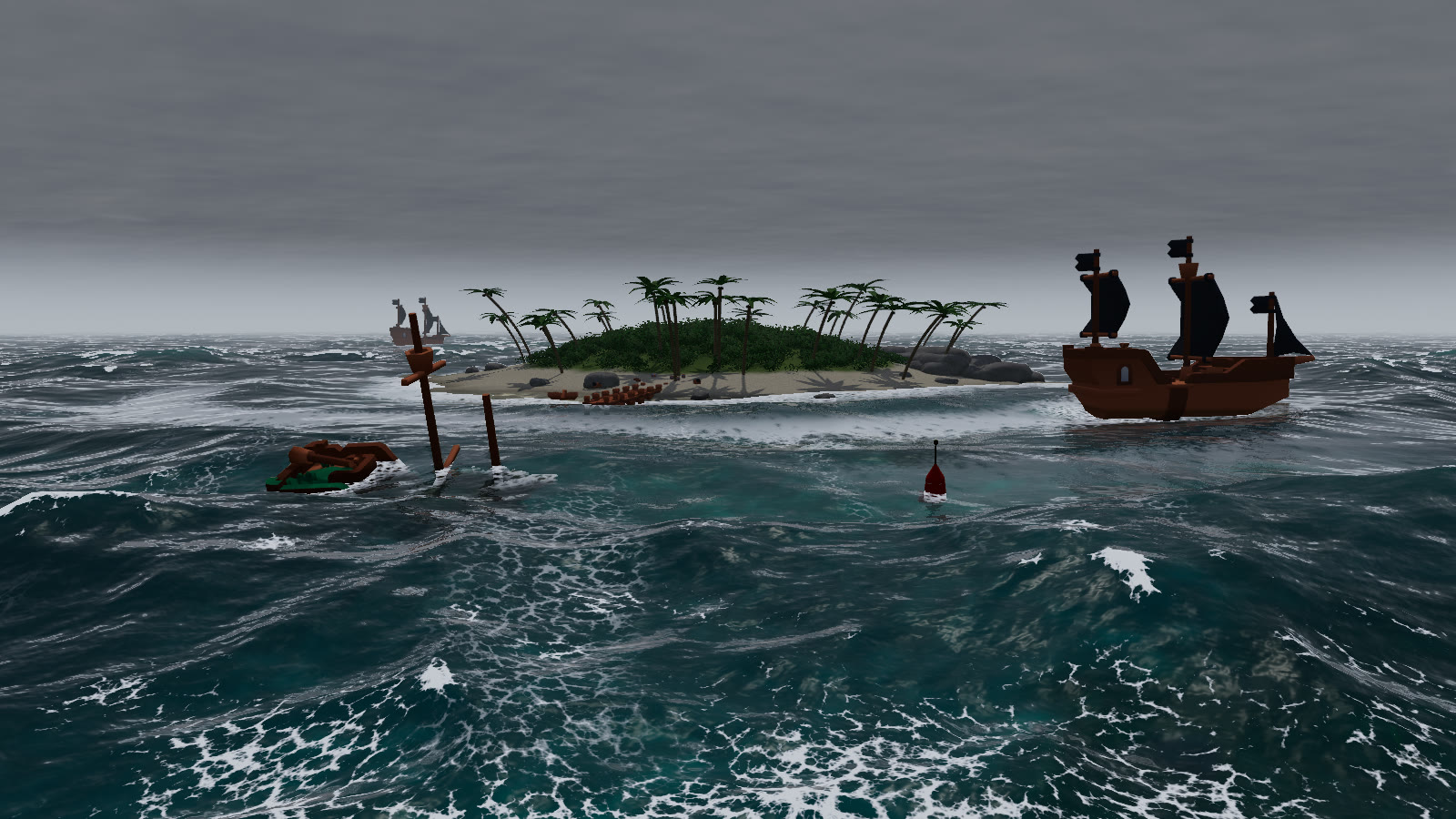
storm. Use the Sea buttons to switch presets and the sliders to change wind, wavelength, time and clouds.#Reference
Hs is the significant wave height the wind and wavelength produce.
| Preset | Time | Wind (m/s) | Wavelength (m) | Hs (m) | Clouds | Fog | Exposure |
|---|---|---|---|---|---|---|---|
tropical | 14:30 | 6 | 32 | 0.85 | 0.32 | 0.00032 | 1.00 |
sunset | 17:33 | 7 | 40 | 1.13 | 0.38 | 0.00045 | 1.05 |
dusk | 18:27 | 4 | 30 | 0.42 | 0.22 | 0.0005 | 1.25 |
storm | 13:00 | 19 | 72 | 6.08 | 0.96 | 0.0011 | 1.15 |
foggy | 08:30 | 3 | 24 | 0.27 | 0.60 | 0.0045 | 1.05 |
moonlit | 23:24 | 5 | 36 | 0.62 | 0.18 | 0.0004 | 1.60 |
arctic | 11:00 | 11 | 55 | 2.67 | 0.55 | 0.0008 | 1.05 |
All seven came from the original single-file page's presets.